
U web editors make final push to meet April federal digital accessibility deadline
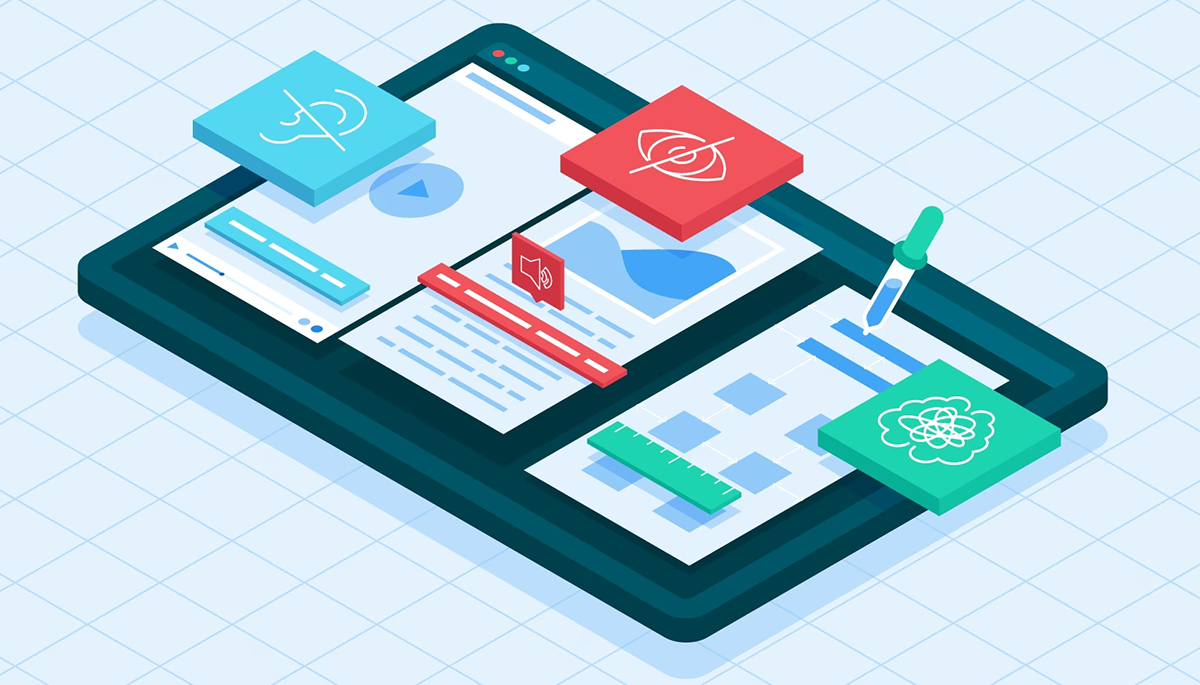
Just as curbs can act as physical barriers for people using wheelchairs trying to access a sidewalk, web content incompatible with screen readers is unusable for 2.2 billion people worldwide living with vision impairments.
These barriers aren’t just inconvenient — they carry real legal and usability consequences. In 2025 alone, more than 5,000 Americans with Disabilities Act (ADA)-related web accessibility lawsuits were filed. Meanwhile, WebAIM’s 2025 Million report found that 94.8% of the world’s top 1 million homepages still contain at least one detectable accessibility issue.

Barb Iannucci, director, UIT Web Support & Usability
At the University of Utah and University of Utah Health, web editors, instructors, and others are working to address accessibility challenges ahead of major federal requirements that will reshape how digital content is created and maintained.
In April 2024, the U.S. Department of Justice announced sweeping updates to Title II of the ADA that require all public institutions to ensure their websites and mobile apps are accessible to people with disabilities. This includes meeting the Web Content Accessibility Guidelines (WCAG) developed by the World Wide Web Consortium. The compliance deadline is April 24, 2026, for public entities that serve more than 50,000 people.
Barb Iannucci, director for UIT’s Web Support & Usability team, emphasized that this work is not new.
“Accessibility has been part of the conversation in our web community for years, and we’ve been making meaningful improvements over time,” Iannucci said. “The current focus on the ADA Title II deadline gives us an opportunity to build on that work and continue making steady progress.”
The updated regulations apply broadly to all public-, student-, and employee-facing digital content, including course materials — even those behind authentication. This covers platforms like Canvas, university websites, and any software or tools used by or contracted with the university.
In practical terms, all navigation and interactive elements must be accessible and compatible with assistive technologies.
“Accessibility isn’t something that happens all at once. It’s the result of many thoughtful improvements that make our digital spaces easier for everyone to use.”- Barb Iannucci, director for UIT’s Web Support & Usability team
Key accessibility requirements include:
- Alternative text for images and graphics
- Captions or descriptions for audio and video content
- A minimum color contrast between text and background/images
- Complete operability from a keyboard
While some materials — such as archived content, older documents, and content posted by third parties not contracted with or acting on behalf of the university — may be exempt, Iannucci encourages teams to follow accessibility best practices whenever possible. She also recommends using tools like built-in accessibility checkers in Modern Campus, Adobe, and Microsoft, as well as the WAVE browser and axe Monitor browser extensions.
Across campus, teams are taking technical and practical approaches to improving accessibility.
“By continuously improving the accessibility of our sites and resources, we're not working in isolation; we're part of a campuswide effort alongside colleagues across departments who share the same commitment,” said Amanda Crittenden, assistant head for User Experience and Web Development at J. Willard Marriott Library. “That collaborative layer strengthens the university’s overall compliance and helps build a culture where accessibility is a shared responsibility, not just a departmental one.”

Amanda Crittenden, assistant head for User Experience and Web Development, Marriott Library
Crittenden said axe Monitor and axe DevTools have been “instrumental in identifying issues and tracking progress” for Modern Campus and Wordpress sites, OmekaS digital exhibits, LibGuides, forms, and vendor applications. Ensuring the compliance of integrated vendor systems, she admits, has been a challenge; Crittenden said Leah Donaldson, her team’s front-end developer, has requested accessibility roadmaps from vendors who don’t appear to meet the U’s standards.
Andrew Stone, associate director for marketing for University Connected Learning, said his team has focused on integrating accessibility into everyday workflows.
“We’re reviewing all of our sites, forms, PDFs, and new site builds as they come together, and fixing issues as we find them,” Stone said. “Much of that work happens during development rather than after something goes live, which we hope will prevent bigger problems later.”
While automated tools help identify obvious issues, Stone noted that manual testing remains essential — evaluating keyboard navigation, link behavior, color contrast, and how pages function without styles or scripts.
“One big takeaway is how small decisions can create real accessibility problems,” he said. “Hover states, opening links in new tabs, or relying only on visual cues can seem minor until you test them from a different perspective.”
Stone emphasized that accessibility is most effective when built into the process from the start.
“It’s an ongoing responsibility and a quality issue, not just a compliance issue,” he said. “Everyone needs to be involved.”
Accessibility basics
-
Websites: Use large font, high contrast colors, logical heading order and page structure, and descriptive text for links (learn more about web accessibility best practices)
-
Images: Provide alternative text or descriptions
-
Videos: Provide accurate captions, transcripts, and descriptive text
-
Links: Use descriptive labels for hyperlinks (University of Utah rather than www.utah.edu)
- U of U Digital and Social Media Accessibility guidelines
In the Price College of Engineering, teams are combining hands-on remediation with ongoing training.
Matt Gauthier, the college’s manager for web development, said his team has been conducting targeted reviews of high-priority websites and frequently used documents using tools like axe Monitor and axe DevTools.
“We’ve also been holding monthly accessibility meetings with marketing, PR, and content representatives across departments,” Gauthier said. “These sessions focus on practical skills, such as writing meaningful alt text, maintaining strong semantic structure, creating long descriptions for complex visuals, and producing accessible PDFs.”
Bert Compton, director of Digital Strategy at U Health Marketing & Communications, said his team uses Deque, the company that provides axe Monitor and axe DevTools, and Acquia Optimize, part of their hosting technology stack, to measure compliance. His team has assigned a project manager dedicated to reviewing scans, identifying work to be done, and assigning it to the appropriate content owners.
Compton and his web developers have deployed programmatic fixes to make hundreds of thousands of corrections on over 30,000 pages of content across 13 domains for health sciences; they also manage healthcare school and college websites and support 400+ webmasters.
One of the programmatic fixes deployed at scale across all the health sciences websites by web developers was an AI agent capable of scanning thousands of photos and accurately adding alt text, a decision Compton said saved “hundreds of person hours.” For fixes that required manual efforts, he hired five part-time web assistants.
“We prioritized this work and take it very seriously,” Compton said. “Even prior to the new mandate we worked on meeting meeting [WCAG] Level Astandards. The new ADA guidelines have allowed us to refocus our website accessibility efforts and revisit our training resources for webmasters to ensure we meet the new higher level of accessibility. We want to make sure patients, students, faculty, and researchers can access all parts of our website necessary for their healthcare journey."
As the 2026 deadline approaches, Iannucci stresses that accessibility is a shared responsibility — especially in the classroom.
Accessible content is a must for:
- Textbooks and integrated learning platforms
- Quizzes, assessments, and interactive materials
- Websites, PDFs, videos, images, and graphs
- Canvas pages and modules
- Assignments, exams, and projects
- External learning tools
Importantly, any external content linked or embedded in a course must also meet WCAG 2.1 AA standards — even if the instructor did not create it.
Iannucci noted that PDFs “are particularly problematic for screen readers.” Headings in a PDF allow a screen reader to quickly jump to the desired heading/section of the page, similar to how a sighted user may skim through a page looking for big, bold text, but a screen reader might say “header, header, header,” when it scans content in the margins that shouldn’t be there. The same frustrations apply when heading levels are placed in an illogical order, or when they’re skipped entirely.
To address this, Iannucci’s team encourages instructors and other staff to follow best practices when creating and reviewing PDFs to ensure they remain usable for all audiences. She praised the Martha Bradley Evans Center for Teaching Excellence for working with faculty and instructors to make course materials more accessible.
Iannucci said accessibility isn’t just a checkbox — it’s a reflection of the U of U’s values. Prioritizing it means creating a more welcoming experience for all students, faculty, staff, and stakeholders.
“Accessibility isn’t something that happens all at once. It’s the result of many thoughtful improvements that make our digital spaces easier for everyone to use,” she said.
Crittenden agreed.
“Accessibility work is ongoing, and there are no quick fixes,” she said. “What keeps me going is a guiding principle that’s been a part of the work I’ve done at the Marriott Library for the past 17 years — empathy is at the heart of accessibility. Improving everyone’s access to resources is the cornerstone of a library. It takes all of us — from content editors and web developers to social media managers and instructors — to ensure that accessibility is a part of any update as we move forward.”
Node 4
Our monthly newsletter includes news from UIT and other campus/ University of Utah Health IT organizations, features about UIT employees, IT governance news, and various announcements and updates.